# Getting Started with RealLives Sim
### Step 1: Receive Your Login Details
* Each student will receive a **username and password**
* Usernames will look like:
* `changemaker_1`
* `changemaker_2`
* and so on
* Keep your login details **safe and private**
***
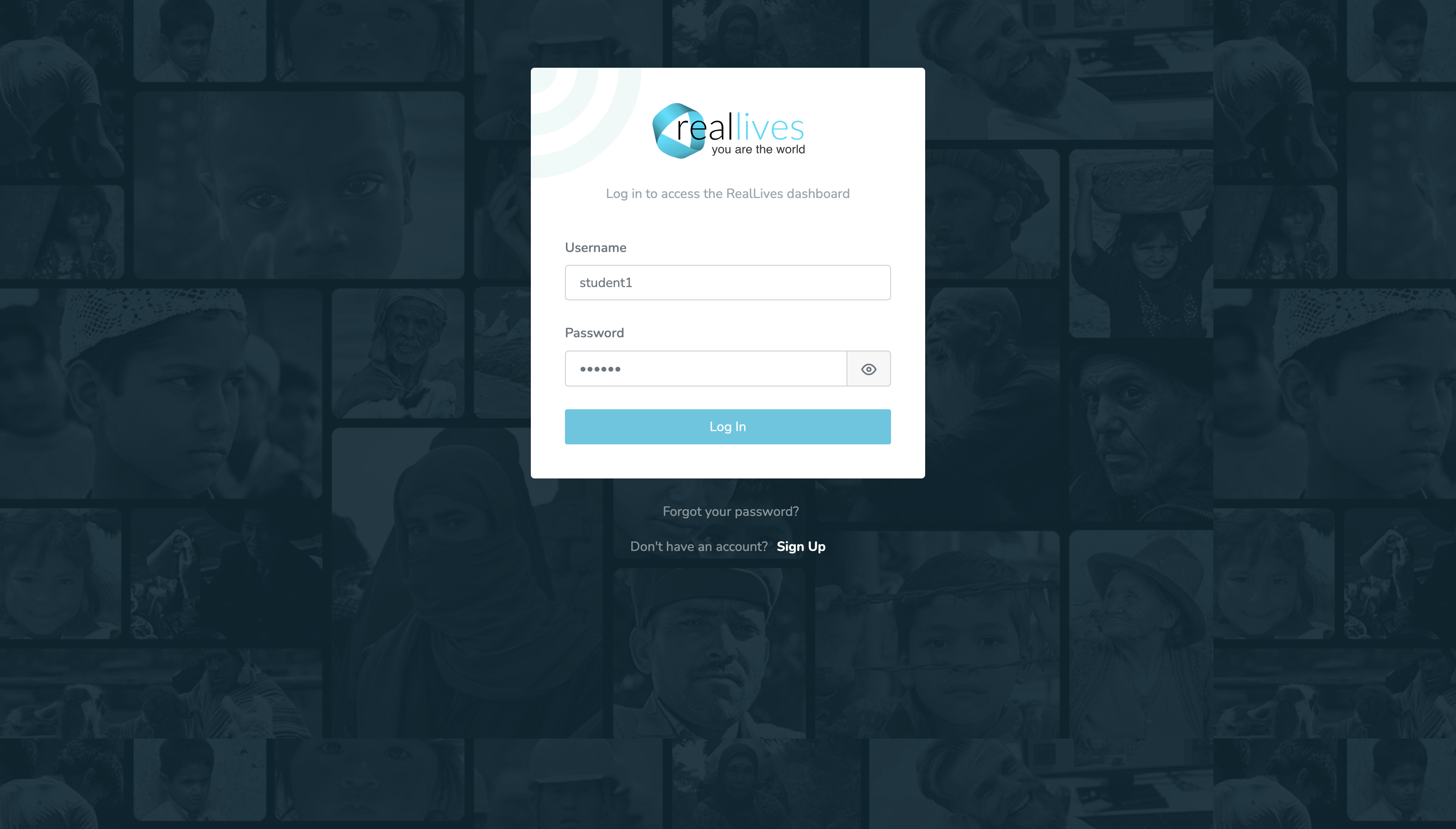
### Step 2: Log In to the Platform
1. Open a web browser
2. Go to: [**https://reallivesworld.com/login**](https://reallivesworld.com/login)
3. Enter your **username** and **password**
4. Click **Login**
You will now land on the **RealLives World dashboard**.
***
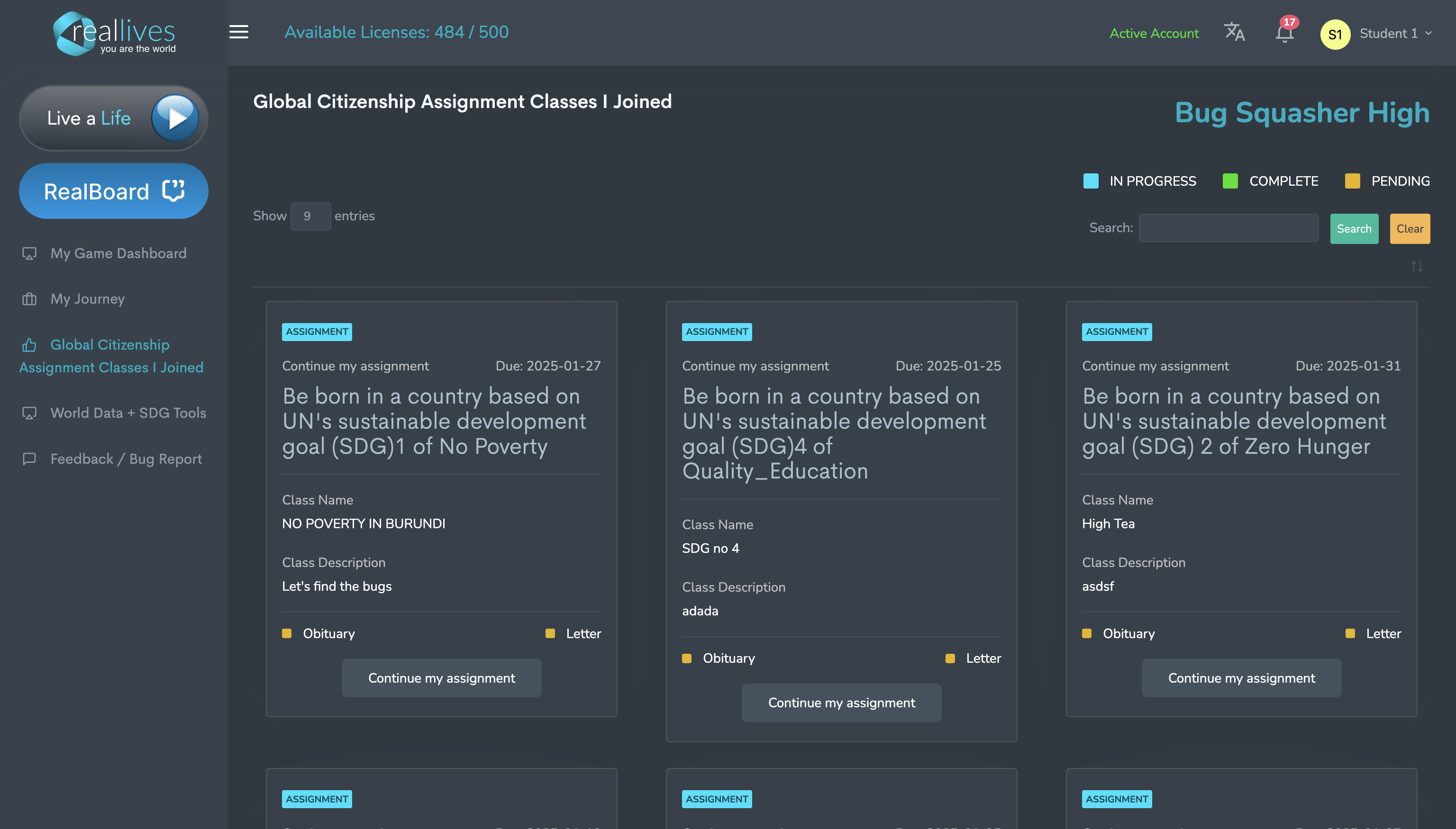
### Step 3: Understand Your Dashboard & Assignments
On your dashboard, you will already see **3 assigned lives**.
Each assignment:
* Is linked to **one Sustainable Development Goal (SDG)**
* Represents **one full simulated life**
* Takes place in a **different country**
#### Your 3 Assignments
* **Assignment 1:** SDG 1 – No Poverty
* **Assignment 2:** SDG 2 – Zero Hunger
* **Assignment 3:** SDG 4 – Quality Education
👉 For each assignment:
* **All students are born in the same country**
* Example: Assignment 1 may place everyone in **Burundi**
* However, **every student’s life will be different**
* Different family backgrounds
* Different economic conditions
* Different geographic situations
* Different opportunities and challenges
No two lives are exactly the same.
***
### Step 4: Start with Assignment 1 (SDG 1)
* Click on **Assignment 1**
* This life focuses on challenges related to **poverty and basic needs**
* Complete assignments **in order**, starting with SDG 1
***
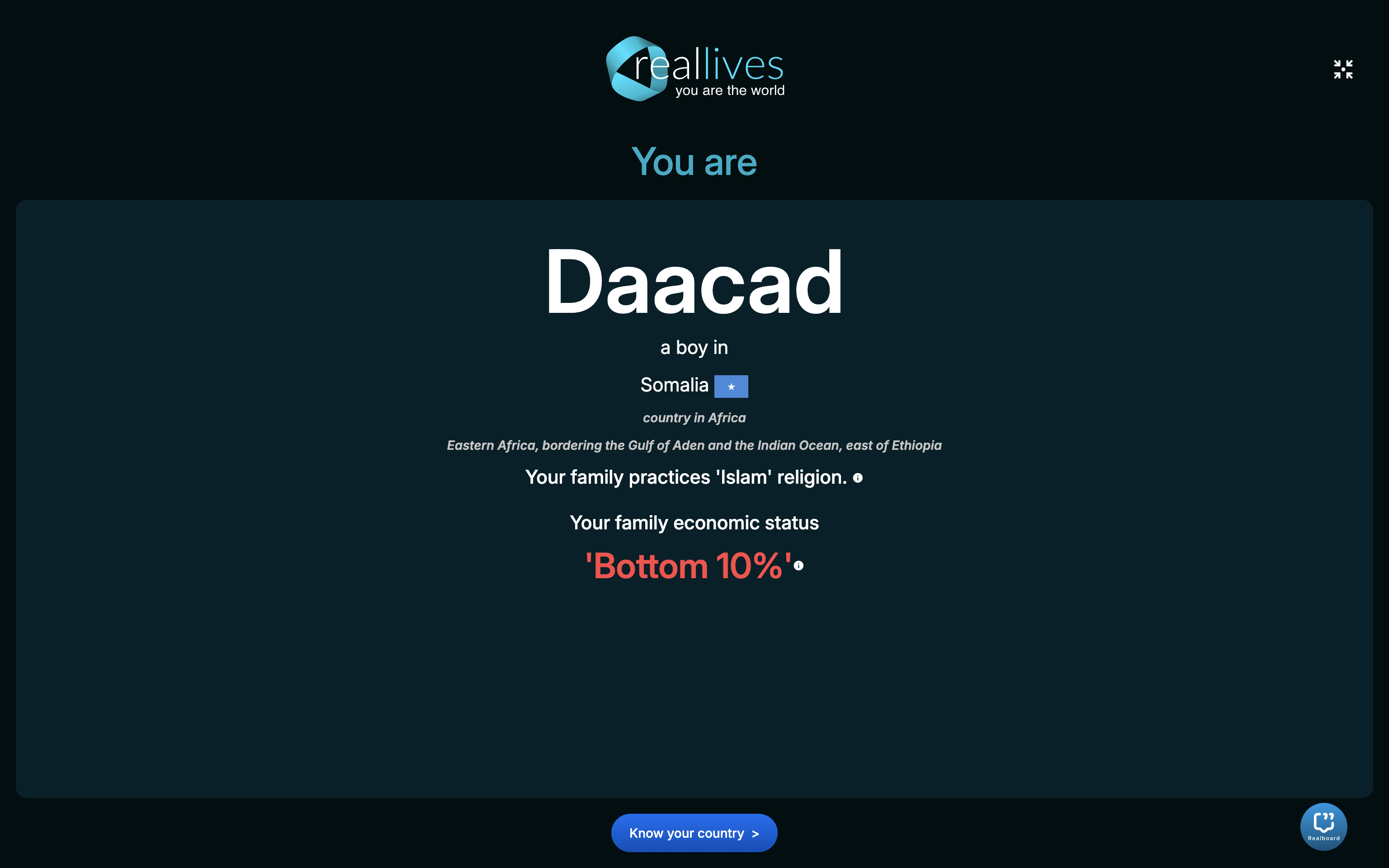
### Step 5: Understand Your Character Before Playing
Before the game starts, you will see **7 context screens**.
These screens help you understand **who you are about to live as**.
They include information about:
* Your country and location
* Your family background
* Your economic situation
* Your living conditions
* Major challenges your character may face
📖 You will also read a **birth story** that introduces your character’s life situation.
**Important:**\
Take your time here — this context will help you make better decisions during the game.
***
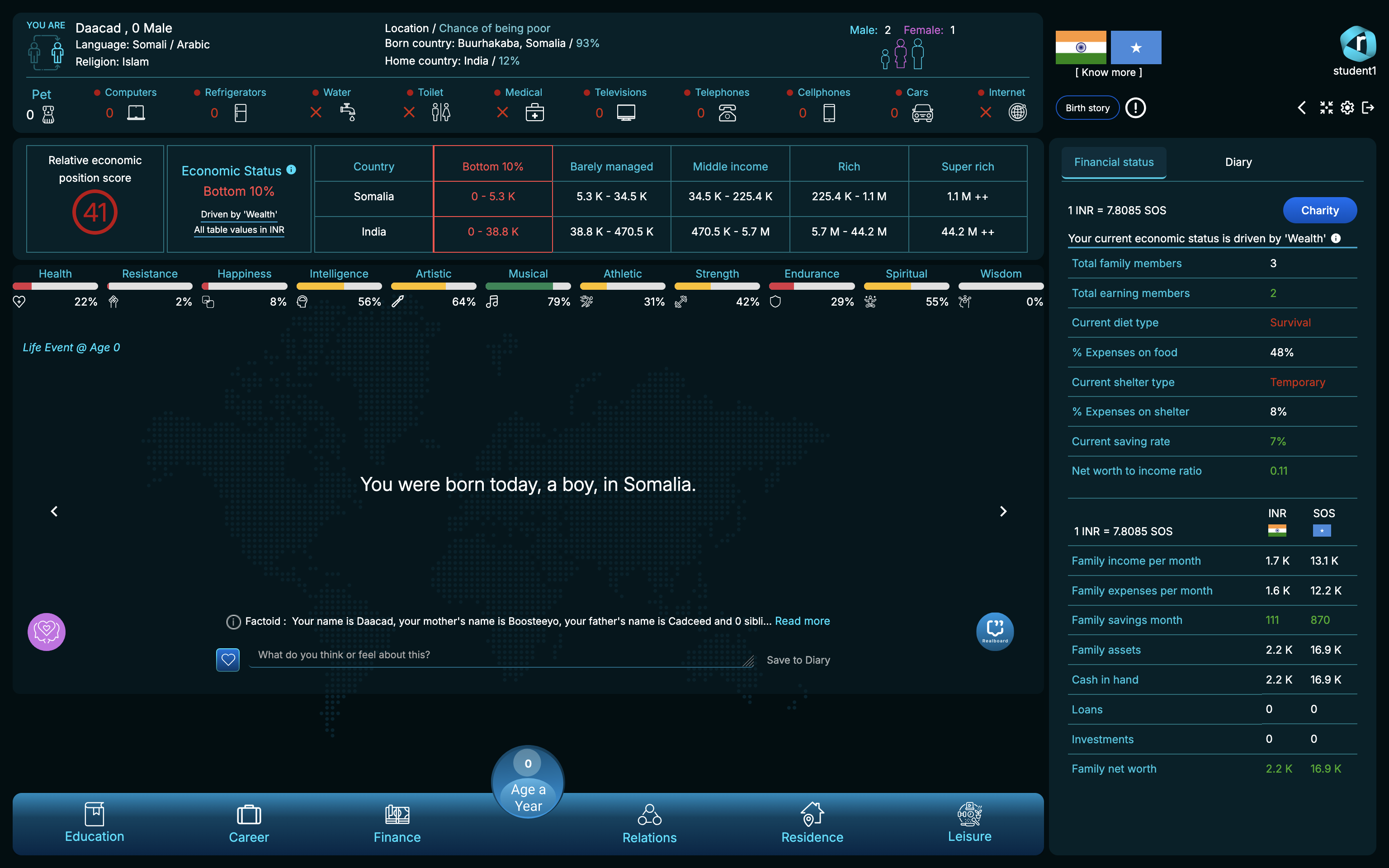
### Step 6: Begin the Game – Life Starts at Age 0
* After the context screens, the simulation begins
* You are **born at age 0**
* As the game progresses:
* You will grow older
* Make choices at different life stages
* Face real-world situations
Your decisions during these lives are:
* **Tracked by the system**
* Used to generate your **RCMI competency report**
***
#### Quick Tip for Students
> Play honestly. There are no right or wrong choices — the goal is to experience life as it unfolds and learn from it.
---
# Agent Instructions: Querying This Documentation
If you need additional information that is not directly available in this page, you can query the documentation dynamically by asking a question.
Perform an HTTP GET request on the current page URL with the `ask` query parameter:
```
GET https://changemaker-workshop-help-center.reallivesworld.com/readme/getting-started-with-reallives-sim.md?ask=
```
The question should be specific, self-contained, and written in natural language.
The response will contain a direct answer to the question and relevant excerpts and sources from the documentation.
Use this mechanism when the answer is not explicitly present in the current page, you need clarification or additional context, or you want to retrieve related documentation sections.